A scale on phone does not exist in the sense most people hope for. No phone sold today has a sensor that feels how heavy something is, so no app can read a true weight off the hardware. What an app can do is look at a photo, work out what the object is and how big it looks, and estimate a likely weight from reference data. That is useful, but it is a different thing from a scale.
If you searched for a weight scale on phone because the kitchen scale is missing or a letter needs postage, the confusion is understandable. The app stores are full of listings that promise exactly that. This guide goes through the myths one at a time, says what is true behind each, and ends with what a photo can honestly tell you and what still needs a real scale.
Why a Scale on Phone App Sounds So Convincing
Search an app store for "scale on phone app" and you will find dozens of results with names like Digital Scale, Gram Scale or Scale for Grams. Many of their descriptions say they turn your phone into a digital scale, or that you can weigh food, jewelry and parcels with a photo.
Read further down the same listings and the wording usually shifts. The apps "estimate weight from a photo", give "an approximate weight", or analyse "visual cues". That second set of words is the accurate one. The marketing says scale; the method is an estimate from an image.
None of this means the apps are useless. It means the name on the icon describes a hope, and the description describes the reality. Knowing the difference is what keeps a photo estimate from being trusted in places where only a real reading will do.
Myth 1: Your Phone Screen Can Feel Weight
This one has a real history behind it. In 2015 Apple introduced 3D Touch with the iPhone 6s, a screen layer that measured how hard you pressed. Developers noticed that pressure is force, and force from a resting object is weight.
Developer Ryan McLeod built a scale app called Gravity on exactly that idea. In his write-up on turning the iPhone 6s into a scale, he describes calibrating it with US nickels on a metal spoon, finding the force readings were linear, and getting to roughly 1 to 3 grams of accuracy. Apple rejected the app for a misleading description, which he put down to it being mistaken for the joke scale apps already in the store.
Why it no longer works
The hardware is gone. Apple started replacing 3D Touch with Haptic Touch on the iPhone XR in 2018, and as ZDNET reported, the iPhone 11 line dropped it entirely in 2019. Haptic Touch responds to how long you hold a finger down, not how hard you press.
So the honest version of this myth is: a few iPhones from 2015 to 2018 could sense pressure, and a clever app briefly used that. A phone bought in the last several years cannot. A video showing a recent phone reading the weight of something placed on its screen is showing a trick, not a sensor.
Myth 2: A Weighing Scale on Phone Reads What Sits on It
Some apps ask you to put an object on the screen, or to balance the phone on a bag or pillow and place the item on top. They then show a number.
McLeod's survey of the store in 2015 found that about 80 percent of the scale apps were joke apps "for entertainment purposes only", and most of the rest tried to infer weight from the tilt of a phone balanced on an inflated bag after calibrating with a single coin. A tilt reading depends on how soft the bag is, where the object sits and how the phone settles, so the same item gives different numbers from one try to the next.
What to do instead
Treat any app that asks you to put the object on the phone as entertainment. If the number matters, use a method with a known reference, which Myth 5 covers, or a real scale.
Myth 3: A Photo Gives You the Exact Weight
Photo-based apps are the honest end of this category, and they still cannot give an exact figure. A camera sees shape and size. Weight depends on what is inside the shape: how dense the food is, how much air sits between the pieces, whether a bun hides a thick or thin patty.
Research on image-based portion estimates shows the size of that gap. In a study of known food weights photographed by adolescents, the automated estimate for 19 foods ranged from 0.89 to 4.61 times the true weight. About half the foods landed within 15 percent of the truth, including sausage links, spaghetti and a cheeseburger. Lettuce, full of empty space between leaves, was overestimated by more than 400 percent.
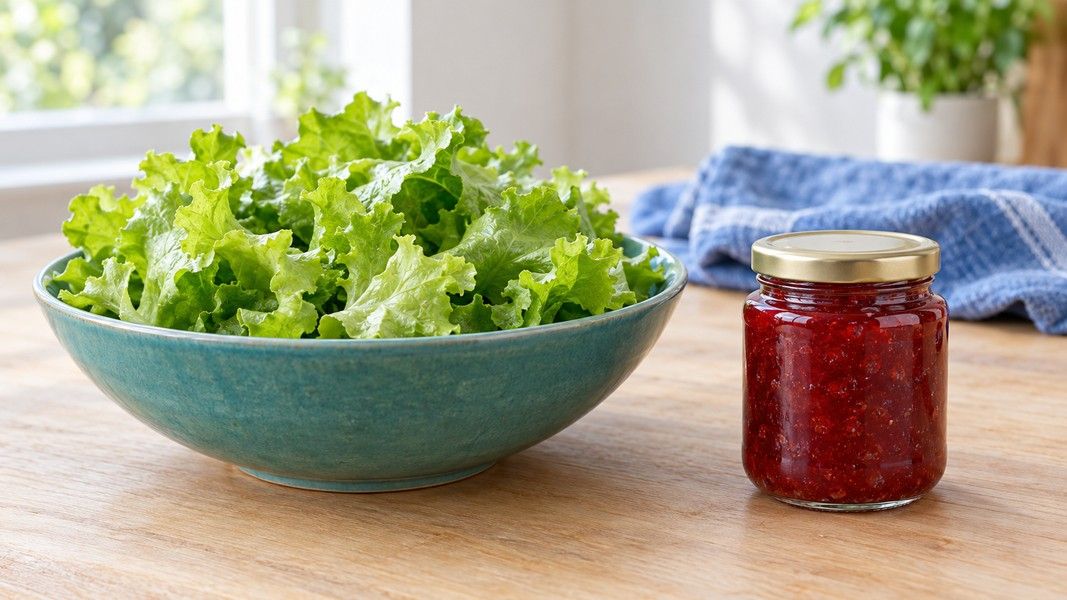
The same study found something encouraging too: the spread of the automated estimates was consistently narrower than the spread of people guessing by eye. A photo estimate is usually more consistent than a guess. It is still an estimate.
What a good photo estimate looks like
A useful estimate gives a likely range, not a single confident number, and shows what it assumed. This is how Primo Scale presents its weight result: a typical figure and a likely range in grams, with the reasoning beside it. In the app's own words: "Primo Scale does not weigh objects or use phone sensors. It estimates a likely range from visual analysis and reference data." When you need an exact weight, that takes a real scale.
Myth 4: An Estimate Is Good Enough for Postage, Jewelry or Medicine
A rough figure is fine for a recipe or a food diary, where being a few grams off changes little. It is not fine where money or safety depends on the number.
Three cases where only a real scale will do:
- Postage and shipping. The carrier charges on its own reading of the parcel, and size can matter as much as weight. A photo can give you a rough size and weight estimate before posting, which is enough to pick a box, not to buy the label.
- Jewelry, metals and anything sold by weight. Small items sit at the edge of what any visual method can separate, and a gram here is real money.
- Medicine and supplements. Anything you dose by weight needs the label, a pharmacist or a proper scale.
If a mistake would cost money or affect health, the photo is a first look and the scale has the final word.
Myth 5: Without a Scale You Have Nothing Reliable
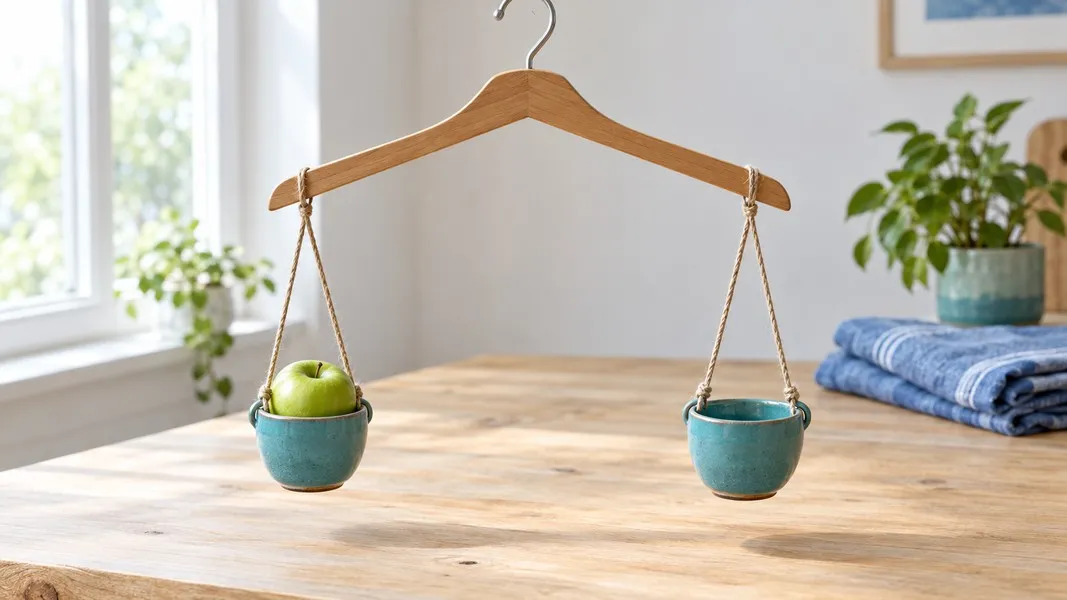
You have more than you think. Coins are made to a published specification, so a handful of them works as a set of known reference weights for a homemade balance, such as a coat hanger with a cup tied to each end.
The US Mint specifications list these weights for current circulating coins:
| Coin | Specified weight | Note |
|---|---|---|
| Nickel | 5.000 g | Solid cupro-nickel, the most dependable reference |
| Quarter | 5.670 g | Clad coin |
| Dime | 2.268 g | Clad coin |
| Half dollar | 11.340 g | Clad coin |
| Cent | 2.500 g | Copper-plated zinc |
The nickel is the best choice: it is the only circulating coin that is not clad, and 5 grams is a round number, so ten nickels make 50 grams. Leave pennies out unless you know their age, because older copper cents were specified at 3.11 grams, heavier than today's 2.5 gram copper-plated zinc ones.
Make the balance tell you something
Hang the item in one cup and add nickels to the other until the hanger sits level. Count the coins and multiply by 5. A hanger balance has friction, so read the result as an approximation. For kitchen jobs, the guide to estimating grams without a scale covers spoons, cups and the size of common foods.
What a Photo Can Honestly Estimate
Once the myths are out of the way, the useful part is clear. A photo can identify an object and estimate its properties from what is visible plus what is known about things like it.
Primo Scale estimates four things from one photo: a likely weight range, rough dimensions, a count of similar items, and the calories of a plate. On iPhones that have LiDAR, it uses depth information too, and food estimates draw on USDA reference data. Each result shows its reasoning, so you can see what it assumed.
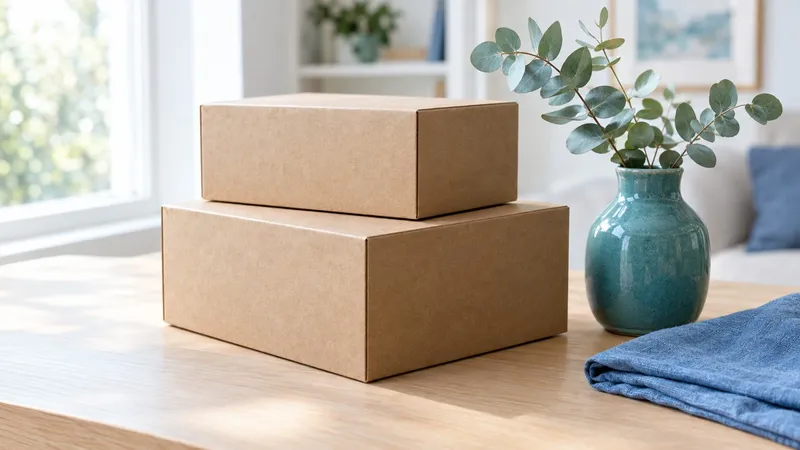
That is the honest middle between a guess and a measurement. Photo estimation works best on items with a predictable shape and density, such as fruit, eggs, a chicken breast or a cardboard box, and it is weakest on airy, mixed or hidden contents, like a salad or a sauce-heavy dish. The reasons a meal is harder than a single apple are covered in how photo calorie estimates work.
When to reach for which tool
A photo estimate is right when you want a quick sense of size or weight and a few grams either way do not matter. A coin balance is right when you need a closer check and have no scale. A real scale is right for postage, anything sold by weight, and anything you dose.
Conclusion
No phone made in recent years can sense weight. The pressure-sensitive screens that once made a true scale possible left the iPhone in 2018 and 2019, and apps that ask you to put objects on the screen are entertainment.
What remains is estimation from a photo, which is genuinely useful when it is presented honestly: a likely range, with its reasoning, and clearly worse for airy or hidden foods than for simple shapes. For a closer check without a scale, US coins are reliable known weights, with the nickel at 5 grams as the easiest reference. For postage, jewelry or medicine, use a real scale.