To count small items from a photo, spread them out in one layer on a plain surface, photograph them from straight above, and count what the picture shows. Whether you count on the screen yourself or let an app do it, the layout decides most of the result: items that touch, overlap or hide under each other are the ones that get missed.
This guide shows how to set up the photo, what makes a count go wrong, and when a count from a photo is enough.
Setting up the photo
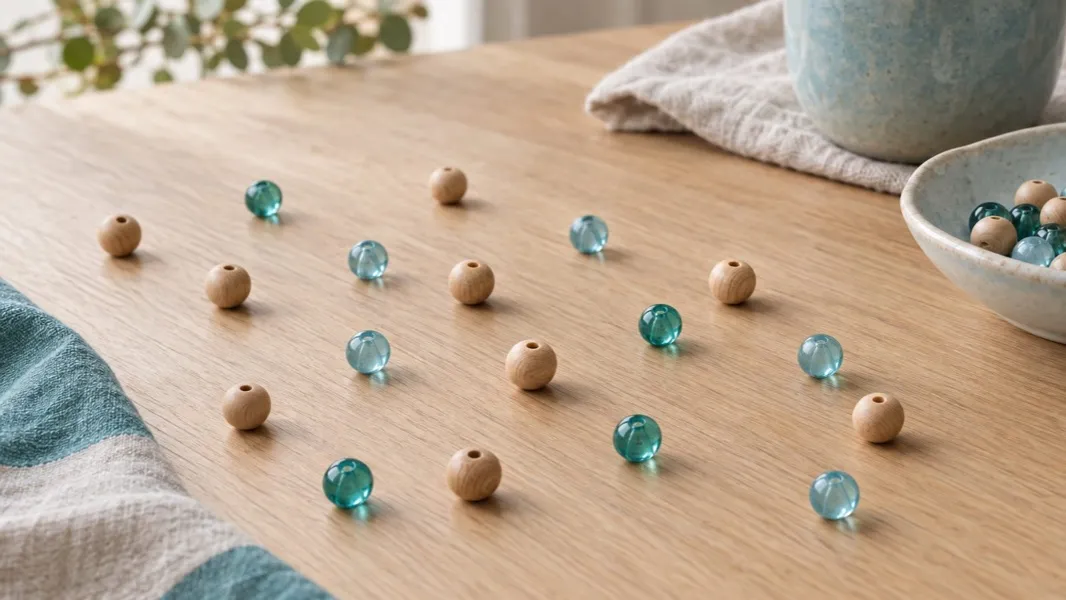
One layer, a little space between items. A heap hides what is underneath, and nothing in a photo can count what it cannot see. Push the items apart with the side of your hand until most of them do not touch.
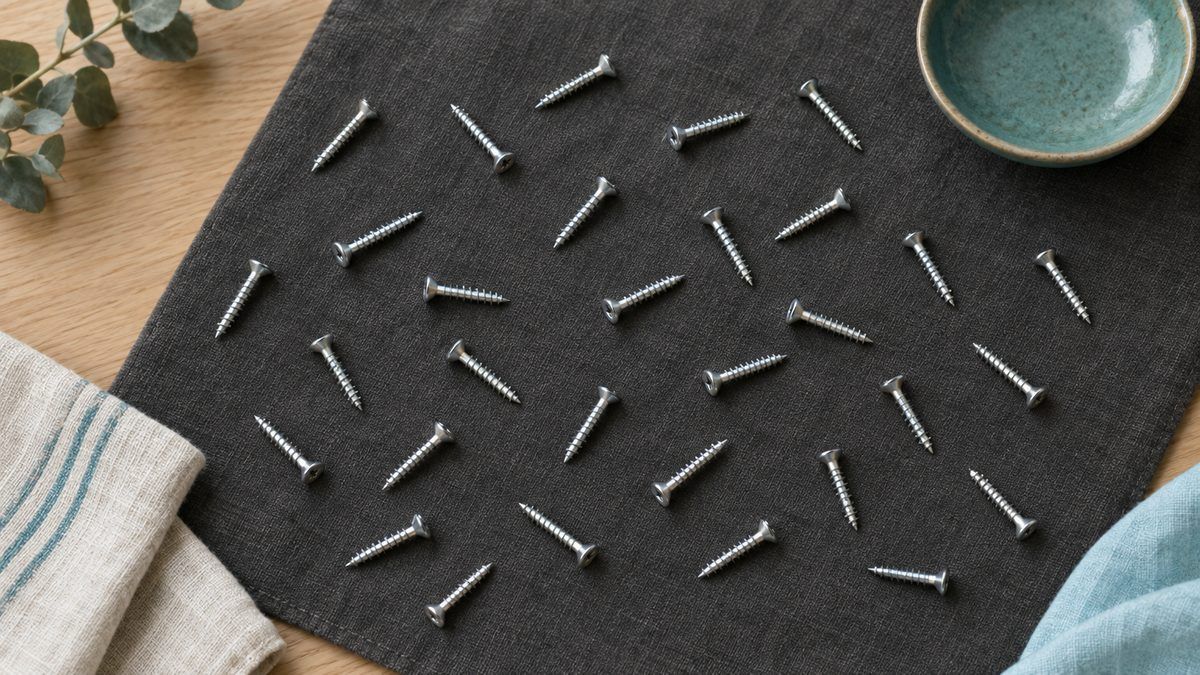
A plain background that contrasts. Silver screws on a dark cloth, dark beans on white paper. A patterned tablecloth makes edges hard to find.
Straight above, the whole group in frame. An angled shot makes the far items small and lets the near ones cover them. Leave a margin around the group, so no item is cut off at the edge.
Even light. Daylight from a window, or a lamp off to one side. A flash straight down makes glare on coins and shiny packaging.
One kind at a time. Sort first, then count each kind in its own photo. A mixed pile is harder to count by eye, and harder for an app too.
Counting on the screen yourself
Zoom in and count in rows, left to right and top to bottom, the way you would read. Tap or mark each item as you go if your photo editor lets you draw on the picture; otherwise count in fives and note each five. For a large group, split the photo into quarters with your finger and count each one.
Coins: sort by size first
Coins are the easiest small items to sort, because each one has a fixed size. The US Mint gives these diameters:
| Coin | Diameter |
|---|---|
| Dime | 17.91 mm (0.705 in) |
| Cent | 19.05 mm (0.750 in) |
| Nickel | 21.21 mm (0.835 in) |
| Quarter | 24.26 mm (0.955 in) |
The dime is the smallest even though it is worth more than the cent and the nickel, and the dime and the cent are close in size, so sort those two by colour. Count each kind in its own photo, then multiply by its value.
Counting with an app
Primo Scale's Object Counter counts for you. Take one photo of two or more items of the same kind; the app identifies what they are, finds each one in the picture and shows the count with its reasoning. In the app's own example, a photo of coins on a table came back as 27 coins, "grouped by matching size and metallic colour", with overlapping coins "separated by their visible edges".
It counts what it can see. An item buried under others, or one mostly cut off at the edge of the photo, is not in the count, and in a mix of different things it counts the most common kind. That is why the setup above matters as much for the app as for your own eyes. It is an AI estimate of the count from one photo, so for a number that has to be right, count again.
When a count from a photo is enough
A count from a photo is enough to check that a bag of screws has about what the label says, to see how many beads are left for a project, or to count the coins in a jar before you take them to the bank. It is a quick check, not a final count.
For medicine, a count from a photo is only a check on your own supply. A prescription count belongs to the pharmacist, and a question about your doses goes to the pharmacist or your doctor.
Quick answers
How do I count objects in a photo? Spread them in one layer, photograph them from straight above on a plain background, and count in rows, or use an app that counts the items it finds in the picture.
Why does a count from a photo come out low? Items under others, or mostly cut off at the edge of the frame, are not in the picture to count. Spread them in one layer and leave a margin.
Which US coin is the smallest? The dime, at 17.91 mm across. The cent is 19.05 mm, the nickel 21.21 mm and the quarter 24.26 mm.